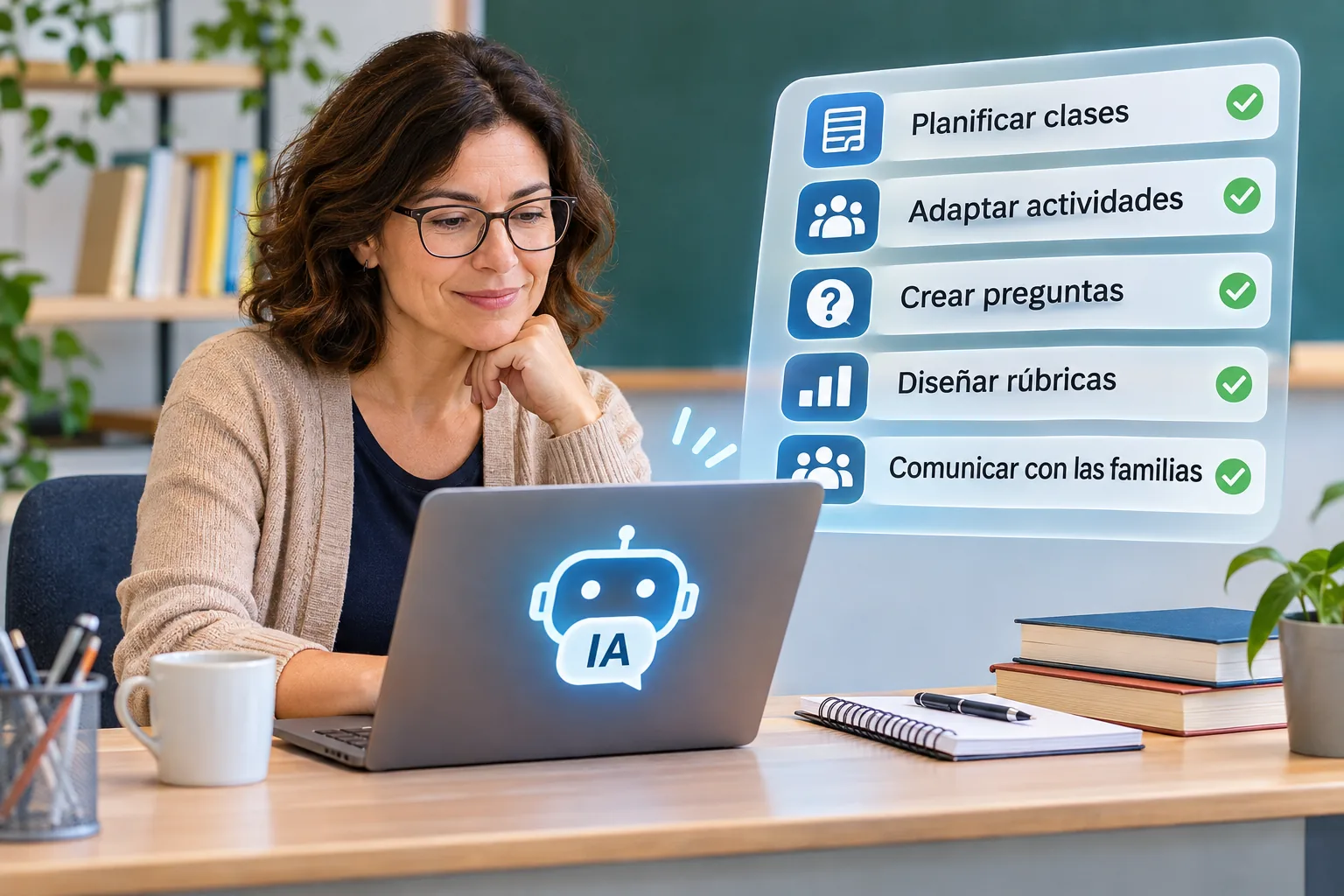
You need to prepare three lessons for tomorrow, adapt an activity for students working at different levels, and review a set of assessment questions. You open an artificial intelligence tool, describe what you need, and within seconds it produces something that looks ready to use.
But when you read it carefully, you notice an inaccurate explanation, an activity that is too difficult, and a question with a debatable answer.
This situation captures both the potential and the main risk of using AI for teachers: it can help educators prepare materials, organize ideas, and explore alternatives, but it cannot guarantee that its responses are correct or suitable for a particular class.
In 2026, the most useful question is not whether teachers should use artificial intelligence in every lesson. It is which tasks AI can genuinely help with, what teachers need to check, and when it is better not to use it.
This guide explores ten practical applications, ready-to-adapt prompts, safety considerations, and a straightforward way to get started without losing control of teaching decisions.
What can artificial intelligence do for teachers?
Generative AI can produce draft text, questions, examples, explanations, and lesson outlines based on written instructions. Depending on the tool, it may also work with documents, images, and other types of material.
For teachers, this creates several possibilities:
- Preparing a first draft of a classroom activity.
- Exploring alternative explanations.
- Designing practice exercises.
- Adjusting the difficulty or format of teaching materials.
- Checking whether assessment questions are clearly worded.
However, generating content is not the same as teaching, and completing a task successfully does not necessarily mean that learning has taken place.
The OECD Digital Education Outlook 2026 distinguishes between improving the immediate output of a task and achieving genuine learning gains. It also warns that excessive reliance on generative AI may reduce the cognitive effort students invest in their work.
For this reason, artificial intelligence is best approached as an assistant for preparation and review, not a replacement for teacher–student interaction or independent reasoning.
10 practical ways teachers can use AI
The following examples focus on everyday classroom responsibilities. The prompts can be adapted to different generative AI tools, provided their use complies with your school’s policies.
1. Plan the structure of a lesson
Imagine you are teaching equivalent fractions to primary school students.
You could ask an AI tool to suggest a lesson sequence with an introductory explanation, guided practice, and a final understanding check.
Example prompt:
“Suggest a 45-minute lesson on equivalent fractions for 10-year-old students. Include a visual example, a paired activity, and three questions to check understanding. Do not assume knowledge beyond the age group specified.”
The response may provide a useful starting point.
What to check: alignment with the curriculum, prior knowledge, realistic timings, and the accuracy of the mathematical explanations.
You do not have to use the entire plan. Sometimes the best approach is to keep one helpful idea and discard the rest.
2. Find alternative ways to explain a concept
Some students need more than one explanation before a concept makes sense.
AI can help you explore different ways of presenting the same idea.
For example, if students are struggling to understand why multiplying two negative numbers produces a positive result, you could request several explanations and select the one that is most accurate and suitable for their level.
You can also request analogies, visual representations, or everyday examples.
Be careful: analogies can oversimplify a concept and introduce misconceptions. Check where a comparison works and where it breaks down.
The final explanation should address the actual needs of your students, not assumptions made by the AI system.
3. Adapt an activity for different learning levels
A classroom may include students who are confident with a topic and others who still need additional support.
Instead of preparing three completely separate activities, start with a common learning objective.
Example:
Learning objective: identify the main idea of a text.
Ask for three variations:
- A short passage with guided questions.
- A moderately challenging passage.
- A more demanding task that requires students to justify the main idea using evidence from the text.
Before using the activities, make sure all three versions support the same essential learning goal and that the adjustments do not unnecessarily lower expectations for particular students.
Never enter identifiable student information into an AI tool without an appropriate legal and institutional basis. Describe general learning needs rather than sharing names, records, or personal diagnoses.
4. Generate revision questions
After teaching a topic, you need to check what students can recall.
AI can suggest open-ended questions, multiple-choice items, and short application tasks.
For a lesson on ecosystems, you might write:
“Create four revision questions about food chains for 12-year-old students. Include two retrieval questions, one understanding question, and one application question. Provide the correct answers and explain common mistakes.”
The most important work comes afterward.
Check that each question has a defensible correct answer and that the incorrect options are plausible without being misleading.
An AI-generated question can be fluent and convincing while still being scientifically inaccurate.
5. Prepare vocabulary and examples for language lessons
In language teaching, AI can help produce sample sentences, short dialogues, and vocabulary exercises.
Suppose your class is practising the difference between since and for in English.
You could ask for ten sentences showing both expressions in context, with different levels of difficulty and explanations of why each choice is appropriate.
Then select the examples that sound natural and match your students’ language level.
What to check: grammar, register, common usage, and linguistic variation.
AI may produce awkward sentences or expressions that are uncommon in real communication. Review by a teacher with appropriate language expertise remains essential.
6. Design critical-thinking activities
Educational AI does not always have to be used to produce correct answers.
It can also help you create material that students must evaluate critically.
For example, ask for two explanations of the same historical event: one accurate and one containing several identifiable mistakes.
Students then compare the explanations with their textbook, historical documents, or other reliable sources.
The activity might include questions such as:
- Which claims need supporting evidence?
- What information seems incomplete?
- How could we verify a particular date?
- What changes when we distinguish facts from interpretations?
Important condition: review both explanations beforehand and identify exactly which mistakes you want students to investigate. Never present fabricated material as an authentic historical document.
7. Create maths and science practice problems
AI can suggest variations of a problem you have already taught.
If your class is studying proportional reasoning, for example, you could request five situations involving recipes, distances, or prices.
But independent checking is essential: solve each problem yourself before giving it to students.
In addition to verifying calculations, check that the quantities and situations are realistic.
A problem that appears mathematically sound may contain incompatible information or require a method that is not appropriate for the year group.
Practical rule: do not use an AI-generated numerical problem unless you have checked both the question and its solution.
8. Draft rubrics and assessment criteria
A useful rubric explains what students are expected to demonstrate and how different levels of performance can be distinguished.
AI can help with the initial wording.
For example:
“Draft a four-level rubric for assessing a three-minute oral presentation. Include organization, clarity of ideas, and use of supporting evidence. Describe observable performance and avoid vague criteria.”
Next, check whether the descriptors are understandable, relevant, and aligned with your learning objectives.
Do not delegate final decisions about identifiable students’ grades or other consequential assessments to a general-purpose chatbot.
Assessment requires transparent criteria, human oversight, and compliance with school policies.
9. Draft general communications for families
Sometimes the challenge is not deciding what to communicate, but finding a clear and appropriate way to express it.
AI can help draft a general message about a school trip, a reading activity, or an information meeting.
You could request a shorter version, a more accessible tone, or wording that avoids unnecessary jargon.
Example prompt:
“Write a friendly message to families about an optional 20-minute reading activity at home. Use clear language, avoid technical terms, and do not describe the activity as compulsory.”
Essential limit: do not paste private conversations, behavior reports, students’ names, or identifiable family circumstances into a tool to draft personalized messages.
You can prepare a general template using fictional details and add the necessary information later within an authorized environment.
10. Review teaching materials before using them
One particularly useful application is asking AI to critique your work rather than create something from scratch.
If you have already prepared an activity, you might request:
“Review these classroom instructions and identify possible ambiguities, steps students may find confusing, and prior knowledge I might be assuming. Do not invent additional information.”
This can help reveal unclear wording and issues you may have overlooked.
However, AI is not an independent fact-checking authority. It may agree with an incorrect statement or invent a reference.
To check historical facts, scientific information, or legal requirements, consult reliable sources.
What should teachers avoid delegating to AI?
The ease of generating materials can create the impression that every teaching task can be automated.
That is not the case.
Some responsibilities depend on professional judgment, knowledge of individual students, and human relationships.
These include:
High-stakes individual assessment. AI may help organize assessment criteria, but it should not independently determine a final grade, disciplinary measure, or educational support decision.
Interpreting personal circumstances. A chatbot cannot replace appropriately qualified professionals when dealing with emotional difficulties, family circumstances, or possible additional learning needs.
Choosing educational goals. AI can suggest activities, but teachers remain responsible for deciding what students need to learn.
Verifying factual information. A confident answer can include mistakes, nonexistent references, or outdated information.
Building educational relationships. Listening to students, understanding their reasoning, and adjusting an explanation in response to their needs remain central parts of teaching.
UNESCO’s AI Competency Framework for Teachers places human-centered thinking and ethics among the dimensions that should accompany the development of technical AI skills.
Privacy and safety: information you should not enter
Before pasting anything into an external AI service, ask whether it contains information that could identify an individual.
Avoid entering:
- Students’ full names and contact details.
- Grades, academic records, or individual assessment reports.
- Medical diagnoses, health information, or identifiable additional learning needs.
- Photographs or recordings of students without appropriate authorization.
- Private conversations with families or colleagues.
- Passwords, access credentials, or confidential school documents.
Removing a name does not always make information anonymous. A combination of age, class, events, and personal circumstances may still identify someone.
A safer example
Instead of entering:
“Prepare an activity for Anna Smith, age 11, based on this personal assessment report…”
use:
“Suggest three ways to support reading comprehension for a group of primary school students who benefit from shorter instructions and guided examples.”
UNESCO’s guidance on generative AI in education emphasizes privacy protection and a human-centered approach.
Rules and legal responsibilities also vary by country. Check your school’s policies, the tool’s terms of use, and applicable data-protection requirements before working with school information.
Five checks before using AI-generated teaching content
Reading an AI response quickly and deciding that it sounds professional is not enough.
Use this review checklist:
| Check | Question | |—|—| | Accuracy | Have I checked facts, calculations, references, and answers? | | Suitability | Does it match the curriculum, year group, and students’ prior knowledge? | | Clarity | Could students understand the instructions without additional explanation? | | Inclusion | Is the material accessible and free from discriminatory assumptions? | | Privacy | Have I avoided sharing personal or confidential information? |
If the response fails any of these checks, revise or discard it.
You are not obliged to use material simply because a tool produced it quickly.
A complete example: turning an AI suggestion into a classroom activity
Imagine you teach Science to a class of 12-year-olds and want to review food chains.
Step 1. Define the learning objective yourself
Objective: Identify producers, consumers, and feeding relationships within an ecosystem.
You establish this objective based on the curriculum and what your class has already studied.
Step 2. Request a specific draft
You could use a prompt such as:
“Create five multiple-choice questions about food chains for 12-year-old students. Each question must have four options and only one correct answer. Include a brief explanation of each answer. Avoid topics unrelated to the learning objective.”
Step 3. Review the output
Make sure the questions are accurate and do not confuse concepts such as primary consumers, predators, and decomposers.
Improve options that are too obvious, and remove ambiguous questions.
Step 4. Turn the questions into a classroom activity
Once you have checked the questions, you can enter them into an educational quiz for students to practise.
Edutiko’s Quiz tool supports preparing multiple-choice questions and setting up personalized learning activities.
The tool provides a way to present the exercise. This does not mean that Edutiko generates questions with AI or automatically imports material from an AI chatbot.
You can explore the Quiz format through Edutiko’s educational games catalogue. Creating and configuring your own activities requires an Edutiko account.
Step 5. Use students’ answers to guide teaching
After each question, ask students to explain why they chose a particular answer.
If several students confuse producers and consumers, spend some time clarifying the distinction.
The activity does not end when students select an option. The answers should help you decide what needs further practice.
This approach combines AI for drafting, an educational tool for organizing practice, and teacher expertise where it matters most.
How to start using AI without making your work more complicated
If you are new to AI, you do not need to learn several tools at once.
Start with one small task you already understand well.
For example, prepare three questions for a lesson yourself. Then ask AI to suggest three more questions targeting the same objective and compare the results.
Decide whether the suggestions genuinely improve your material or simply create more work to check.
During your first few attempts, keep a brief record of:
- The task you wanted to complete.
- Which parts of the AI response were useful.
- Which mistakes or problems you had to correct.
If reviewing an activity takes longer than creating it yourself, AI may not be the right tool for that particular task.
The goal is not to produce more documents. It is to develop better teaching materials and devote your professional attention to the work that matters most.
AI in education in 2026: what we know and what remains uncertain
Today’s discussion is no longer limited to choosing between accepting and rejecting artificial intelligence.
The OECD’s 2026 report identifies ways generative AI may support teaching, preparation of resources, and certain forms of educational assistance. At the same time, it emphasizes that better task performance with AI does not necessarily demonstrate deeper learning.
UNESCO, meanwhile, proposes developing teachers’ competencies in AI understanding, ethics, pedagogy, and professional learning.
Together, these perspectives support a cautious approach: use technology for a clearly defined educational purpose, evaluate the results, and maintain human responsibility.
There are also important differences between education systems, age groups, subjects, and tools. It would therefore be misleading to claim that one application works equally well in every classroom.
A useful question for teachers is:
“Is this tool helping my students think and learn, or is it simply doing the work for them?”
Frequently asked questions about AI for teachers
What AI tools can teachers use?
Generative AI assistants can suggest text, classroom activities, and questions, while specialized tools may support particular tasks. The right choice depends on educational goals, privacy requirements, school policies, and the teacher’s ability to review the output.
Is it safe to use AI with student information?
Do not assume that every AI service is suitable for handling personal information. Avoid entering identifiable or confidential student data into unauthorized services, and follow your institution’s policies and applicable laws.
Can AI create entire tests or exams?
AI can propose questions, instructions, and answers. However, teachers must check accuracy, difficulty, curriculum alignment, and assessment criteria before using the material. Important grading decisions should not be delegated without human oversight.
Will artificial intelligence replace teachers?
AI can support various tasks, but it does not replace pedagogical responsibility, relationships with students, or decisions that require an understanding of a particular classroom. The current evidence makes it more useful to examine how AI can complement teaching than to assume teachers will be replaced automatically.
How can teachers spot mistakes in AI-generated answers?
Check information against independent sources, solve the exercises yourself, verify references, and assess whether the response actually meets the original instructions. Asking the same AI system whether it is certain is not sufficient verification.
Should students be allowed to use AI in class?
That depends on their age, the purpose of the activity, school rules, and the tool involved. If AI use is permitted, explain what assistance is allowed and how students must demonstrate their own understanding.
AI should support teaching, not replace learning
Artificial intelligence can be useful when it helps teachers prepare better questions, explore alternative explanations, and review educational materials.
But its value depends on how it is used.
Before introducing AI-generated material into the classroom, check its accuracy, adapt it to your students, and decide which thinking tasks learners should complete independently.
Start with one activity: ask AI for a draft, review it, and turn it into an exercise that encourages students to recall knowledge, explain answers, and learn from mistakes.
To put those activities into practice, explore Edutiko’s educational games and choose a format that supports your learning objective.
The most important question is not how much work AI can do for you, but which parts of your teaching it can help you do better.